Pixel art is generally made out of well-defined pixels that are all on the same grid in the same scale. When you zoom in, the pixels look sharp. Pixel art usually rarely has anti-aliased lines, whereas every line in Isometric SF is anti-aliased.
Comparison of how lines look with vs without anti-aliasing:
- https://media.geeksforgeeks.org/wp-content/uploads/202307201...
Examples of "real" pixel art:
- https://www.slynyrd.com/blog/2022/11/28/pixelblog-41-isometr...
- https://www.behance.net/gallery/18524751/Pixel-Art-City
- https://platform.theverge.com/wp-content/uploads/sites/2/cho... (this may look blurry if you zoom in or have a monitor display scale other than 1x, but when viewed properly the pixels are sharp)
- https://retrodiffusion.ai/explore/5818 (AI generated, but the output was constrained to make it have pixels, instead of having downscaled smooth lines that look anti-aliased)
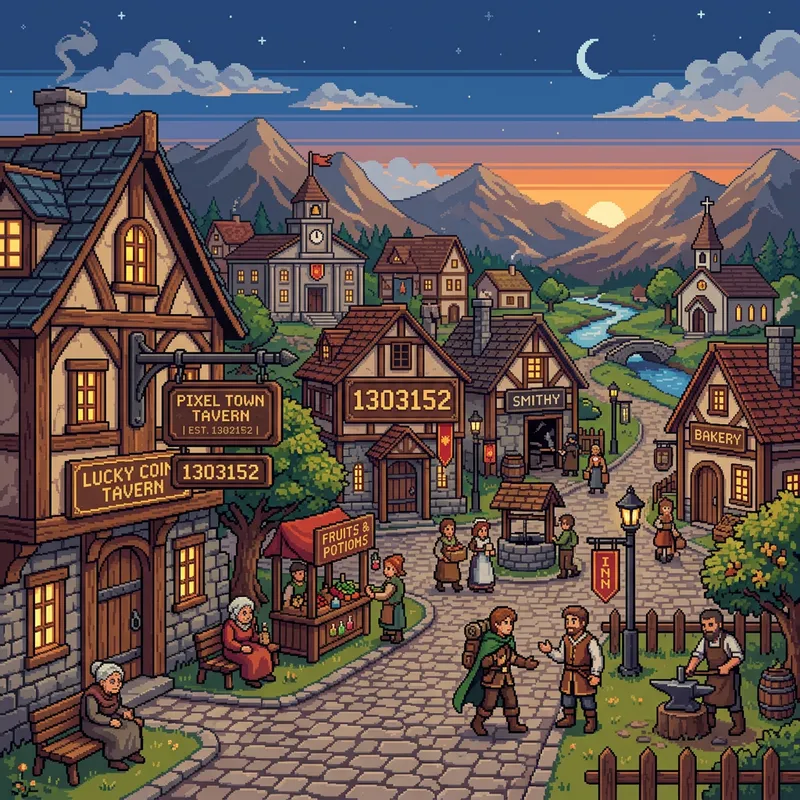
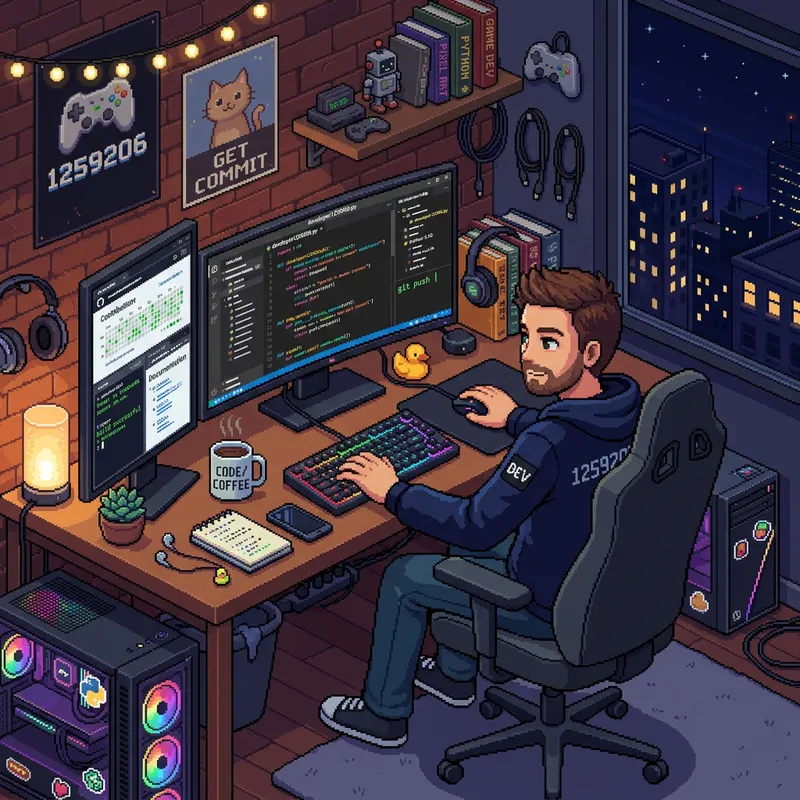
Examples of "fake" pixel art:
- https://media.easy-peasy.ai/61515f6c-78d2-4786-95ec-ccada6e5... (the pixels vary in size and shape, and are blurry)
- https://media.easy-peasy.ai/c558c867-167c-4f11-afed-c9f85f2a... (same issue)
- https://easy-peasy.ai/ai-image-generator/images/pixel-art-of... (you can see at the very bottom of the apple, the pixels are half the height they are supposed to be)
- https://www.reddit.com/r/midjourney/comments/1ifcul5/pixel_a...
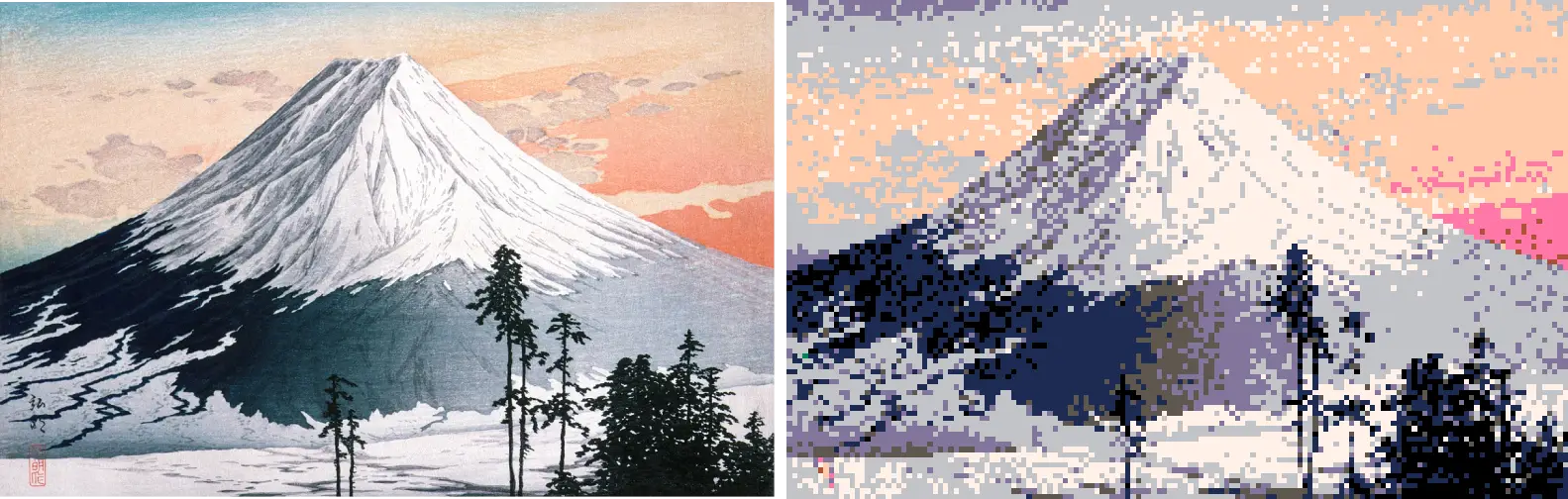
- https://pixelartvillage.com/images/fuji_demo.webp (the original image is downscaled and has a limited palette, but the pixels are placed randomly)